



SAT SOFTWARE SOLUTIONS
Home / Full Load Software
SAT SOFTWARE SOLUTIONS

Simplify full truck load operations

Coordinate vehicles, trips and customer requirements.

Full truck load (FTL) operations generally dedicate a vehicle to a particular shipment or customer movement.

Industrial freight operations
TRANSPORT MEETS TECHNOLOGY

From road operations to digital workflows

Transport businesses rely on coordination between people, vehicles, documents and accounts. Fuel, tolls, driver advances and other journey costs are common examples of expenses that transporters may need to record. The following visuals illustrate the operational environment in which these workflows are used.

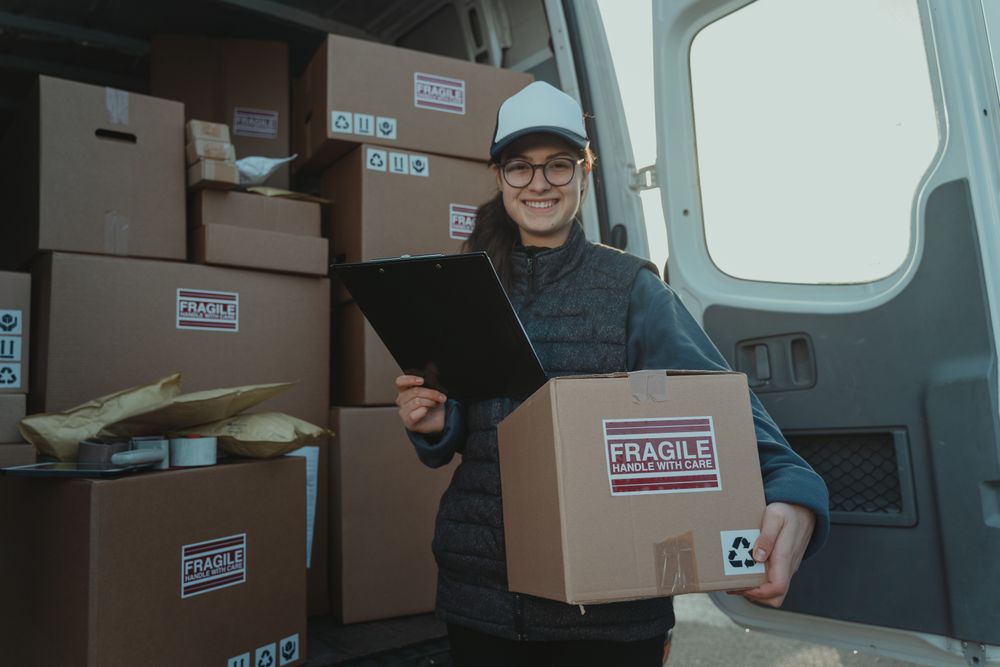
Transport and logistics stock photograph
Freight truck and road transport operations
Business and information technology stock photograph
Logistics warehouse and cargo handling
Transport and logistics stock photograph
Illustrative IT software dashboard and reporting interface
EXPLORE THE SOLUTION

Full Load Software

Transport and logistics stock photograph01

Trip planning

Organize origin, destination and vehicle details.

Business and information technology stock photograph02

Freight records

Maintain trip-level freight information.

Transport and logistics stock photograph03

Trip expenses

Track operational expense requirements.

SOFTWARE GUIDE

Manage a full truck load from booking to settlement

01

Plan a dedicated trip

A full truck load typically uses a vehicle for one customer shipment. Organize the loading point, destination, vehicle, driver and agreed freight before dispatch.

Full truck load (FTL) operations generally dedicate a vehicle to a particular shipment or customer movement. The trip record should reflect the loading point, destination, assigned vehicle and agreed freight terms. Reviewing these details before dispatch helps the office coordinate the movement and avoid misunderstandings.


02

Record trip expenses

Maintain trip-related expense information such as fuel, tolls and driver advances according to your workflow. Compare recorded expenses with freight revenue to support trip review.

Fuel, tolls, driver advances and other journey costs are common examples of expenses that transporters may need to record. A structured trip expense workflow helps compare actual expenditure with the agreed freight. Confirm which expense categories and advance settlement options are included in your package.

03

Review completion and billing

Use trip and freight records to review completed movements, prepare billing information and follow up on outstanding amounts. Discuss proof-of-delivery and settlement requirements in your demo.

At the end of a trip, the office should reconcile the freight agreement, delivery information and recorded expenses. This provides a clearer basis for customer billing and any driver or vehicle-owner settlement. Ask to see a sample completed trip during the demo.

Let’s discuss your requirements.

Get a personalized walkthrough of the software.

CONNECTED SOLUTIONS

Explore more transport software

WhatsApp us →